


Test Your AI Detection Skills
Overview
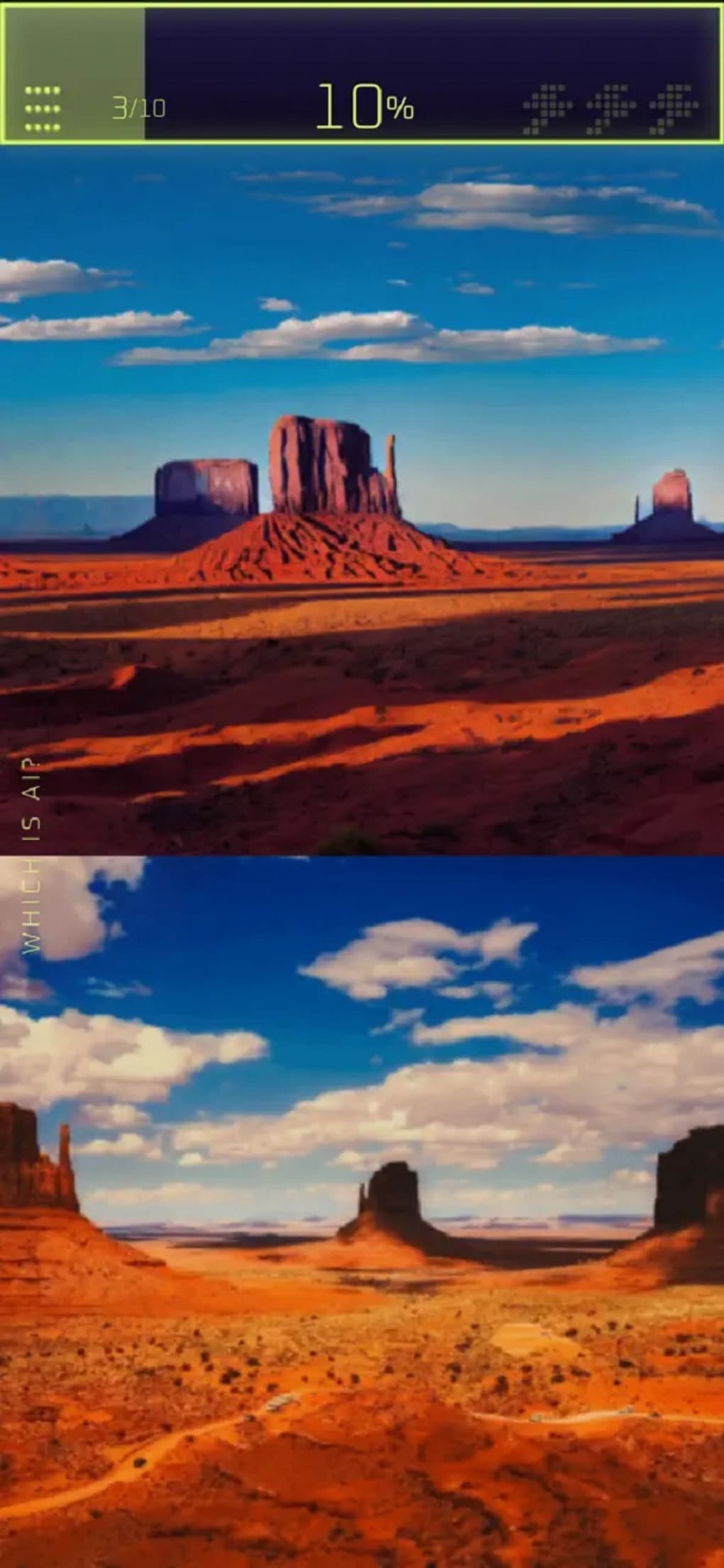
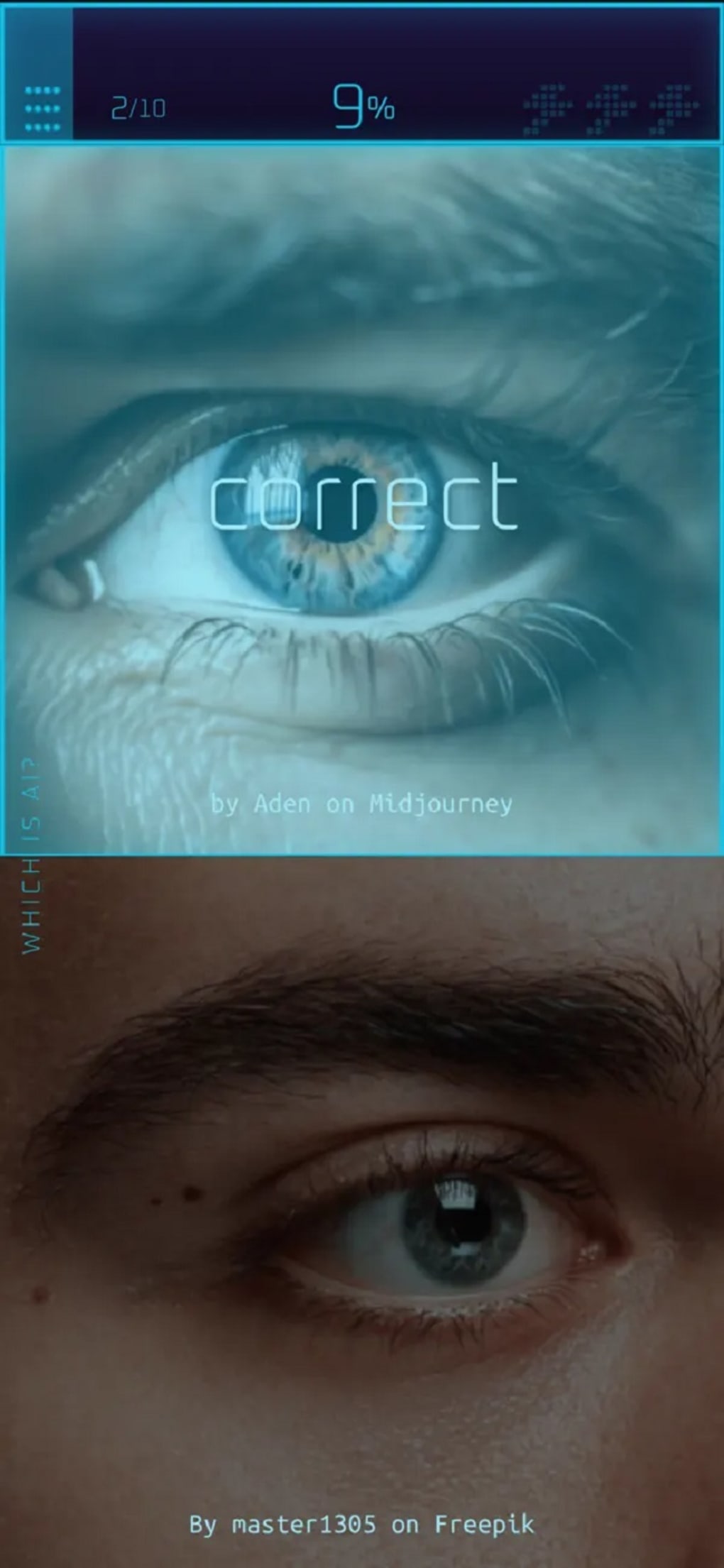
AM I AI is a free-to-play desktop puzzle game designed to test users’ ability to distinguish between real and AI-generated images. The game presents players with two images at a time—only one of which is generated by artificial intelligence—and challenges them to identify the correct one. This interactive experience serves as a practical tool for developing digital literacy in an era where AI-generated content is increasingly prevalent.
The game is structured around six distinct levels, each focusing on specific categories such as human faces, natural landscapes, and a general category featuring random images to help players acclimate to the gameplay. Each level consists of ten image pairs, and progression to the next level requires achieving a certain accuracy threshold. The game features randomized image sets upon each replay, ensuring varied gameplay across multiple sessions.
While the core concept is engaging and relevant, the experience is hindered by technical limitations, including low-resolution image display and persistent animation effects that interfere with visual clarity. The developer did not provide additional details about the game’s background or development team. The game is intended for casual users, students, educators, and anyone interested in understanding the subtle differences between human-made and AI-generated visuals.
Key Features & Capabilities
- AI Image Identification Challenge – Players must determine which of two images is AI-generated, fostering critical thinking and visual analysis skills.
- Six Themed Levels – Categories include faces, landscapes, and general images, offering varied challenges across different visual domains.
- Randomized Image Sets – Each round presents a new set of image pairs, ensuring no repetition and promoting sustained engagement.
- Progressive Difficulty – Players must meet a minimum accuracy rate to unlock the next level, encouraging skill development and sustained play.
- Free-to-Play Model – The game is available at no cost, with no in-app purchases or paywalls, making it accessible to a broad audience.
The gameplay is ideal for users looking to sharpen their ability to detect AI-generated content, particularly in educational or training environments. For example, a teacher might use the game to demonstrate how advanced AI can mimic realism, while a student could use it to build awareness of digital deception. The game’s structure supports repeated play, allowing users to track their improvement over time.
Despite its educational intent, the effectiveness of these features is limited by technical shortcomings such as low image resolution and distracting visual effects. These issues reduce the clarity of the images, making accurate identification more difficult and shifting the experience from skill-based to guesswork. The developer did not specify how the image selection algorithm works or whether future updates will improve visual quality.
User Interface, Workflow & Performance
The user interface of AM I AI is minimalistic, focusing on the core task: comparing two images. The layout places the image pairs centrally, with a clear visual distinction between the left and right options. Navigation is straightforward, relying on simple click-based interaction to select an answer.
The workflow is linear—players view the pair, make a choice, and receive immediate feedback before advancing to the next set. This structure supports intuitive use, especially for casual gamers or those unfamiliar with complex software. The game’s performance appears stable during typical play sessions, though exact resource usage details were not specified.
The developer did not provide information on CPU or RAM consumption, nor did they outline any known stability issues. However, the presence of a persistent glitch animation effect during image transitions may impact visual perception and reduce gameplay clarity. This effect appears frequently and cannot be disabled, which may cause strain during extended play.
Performance observations are based on general software behavior patterns. The lack of an option to adjust visual settings limits customization, particularly for users with visual sensitivities or older hardware.
Compatibility & System Requirements
AM I AI is available for both Windows and Mac operating systems, making it accessible to a wide range of desktop users. The software version is 1.0, with a file size of 25 MB, indicating a lightweight installation. The developer did not specify exact system requirements, such as minimum processor speed, RAM, or graphics capabilities.
Compatibility information was partially provided, leaving users without a clear understanding of whether the software will run smoothly on older or low-end machines. The game’s small footprint suggests it is designed to operate efficiently on standard hardware, but this remains unconfirmed. No additional dependencies or third-party tools are required for installation or operation.
Users can expect a straightforward setup process, though detailed installation instructions were not included in the provided information. The absence of system requirement details may pose challenges for users with limited technical knowledge or older devices.
Pros and Cons
Pros
- Free-to-play with no in-app purchases
- Engaging concept focused on AI literacy
- Randomized image sets prevent repetition
- Simple, intuitive interface suitable for all ages
- Available for both Windows and Mac
Cons
- Low-resolution images reduce visual clarity
- Glitch animation effect cannot be disabled
- Unclear system requirements for older hardware
- Progression depends on accuracy, but visual issues hinder performance
- Limited customization options for visual settings
FAQ Section
Is AM I AI available for Windows and Mac?
Yes, AM I AI is compatible with both Windows and Mac operating systems.
Is the game free to download and play?
Yes, AM I AI is completely free to download and play with no hidden costs or in-app purchases.
Can I disable the glitch animation effect?
No, the glitch animation effect cannot be turned off. It appears during image transitions and may affect visual clarity.
Does AM I AI require an internet connection?
The game does not require an internet connection to run, as it operates as a standalone desktop application.
How often does the game update?
Update frequency was not specified. The current version is 1.0, released on March 15, 2024.
Final Thoughts
AM I AI delivers a timely and thought-provoking concept that aligns with growing concerns about AI-generated content. Its focus on visual detection skills offers a unique way to engage users in digital literacy education. While the game’s structure and free access make it highly accessible, technical limitations such as low image quality and an unremovable animation effect significantly detract from the experience.
These issues make accurate identification more difficult and shift the gameplay toward guesswork rather than skill. Despite these flaws, the game remains a valuable tool for raising awareness about AI realism. For educators, students, and curious individuals, it provides a practical way to explore the boundaries of artificial intelligence.
The lack of customization and unclear system requirements may limit its reach, but the core idea is strong. With targeted improvements, AM I AI could evolve into a powerful educational resource. Download AM I AI now and test your ability to spot the artificial in a world of digital illusions.







